
Caswell County Court Calendars Explained
Caswell publishes its dates through three official channels. Portal Search Hearings is the statewide route. It shows where and when a hearing sits. The Judicial Branch also posts separate Civil and Criminal Calendars for Caswell County. The court's official criminal calendar is one of those public views. When online answers fall short, the Caswell County Clerk of Superior Court and the right court office can confirm a setting directly. Each channel does a different job. A calendar lists what is scheduled, while Portal ties a hearing search back to the case's Case Summary. Calendars can shift, though. A continuance, a reset, a closure, or ordinary docket management can move any court date. So treat a calendar display as current information to check rather than a promise.
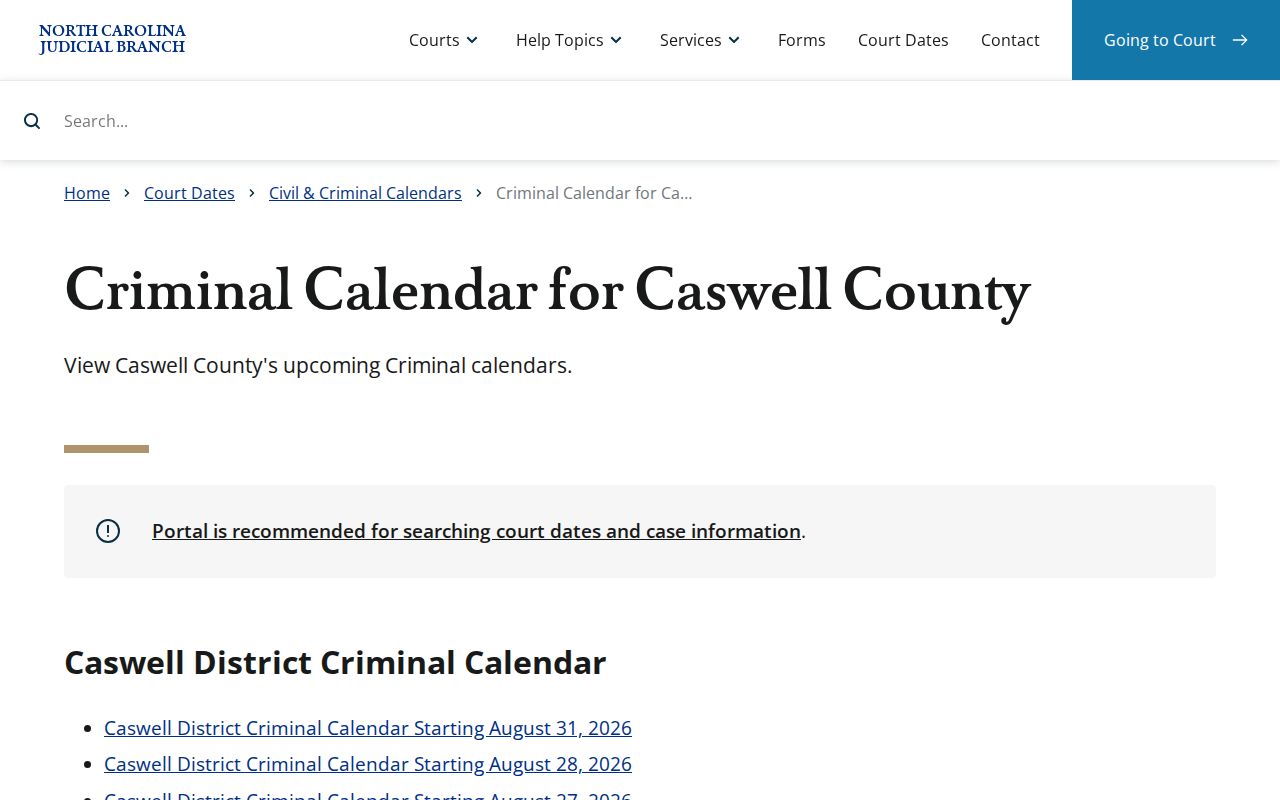
Browsing a calendar works well when you know the division or the date. With a precise case number, a Portal hearing search is the more direct route to the setting.
Caswell County Court Date Searches
A Portal hearing search for Caswell starts with a location and a hearing type. Next comes the search type, paired with the value it calls for. The options run from case number and party name to business name. They also include attorney name, attorney bar number, judicial officer, and courtroom. A party search needs both last and first name. Set Date From and Date To, submit, and the matching Caswell hearings appear.
Think of Search Hearings as a schedule tool, nothing more. For any single matter, compare its results with the Hearings section of the Caswell Case Summary. That is the public Register of Actions view built on the clerk's record. A later event can continue or reset a hearing. So the date line alone never settles a case's status.
The field order also explains why a lone name sometimes misses. Results hinge on the location, hearing type, search criterion, and date range you selected together. No case number handy? A courtroom or judicial-officer search can still find the setting. For a broad party search, keep dates tight. Then match the result against the right Case Summary.
Finding Your Court Date
Pick the channel that fits what you already know. Portal Search Hearings handles a case number, party, attorney, judicial officer, or courtroom. The civil and criminal calendars give a separate schedule view. Need a live answer? The Caswell Clerk can confirm a setting. It can also explain a missing result, or steer you to the right court office. Call the Superior Court judges' office at 336-459-4016. The District Court judges' office is 336-459-4012. The Clerk is 336-459-4000.
- Open Portal and select Search Hearings, then choose the Caswell location and hearing type.
- Search with the case number when known, or select the appropriate party, attorney, judicial-officer, or courtroom search.
- Enter the date range and read the returned setting in context.
- Compare the result to the case's Case Summary Hearings section and the relevant official Caswell calendar.
- Call the Clerk or appropriate court office when a date is time-sensitive, unclear, or appears to have changed.
The court's Caswell local rules and forms page collects local calendar and continuance materials.
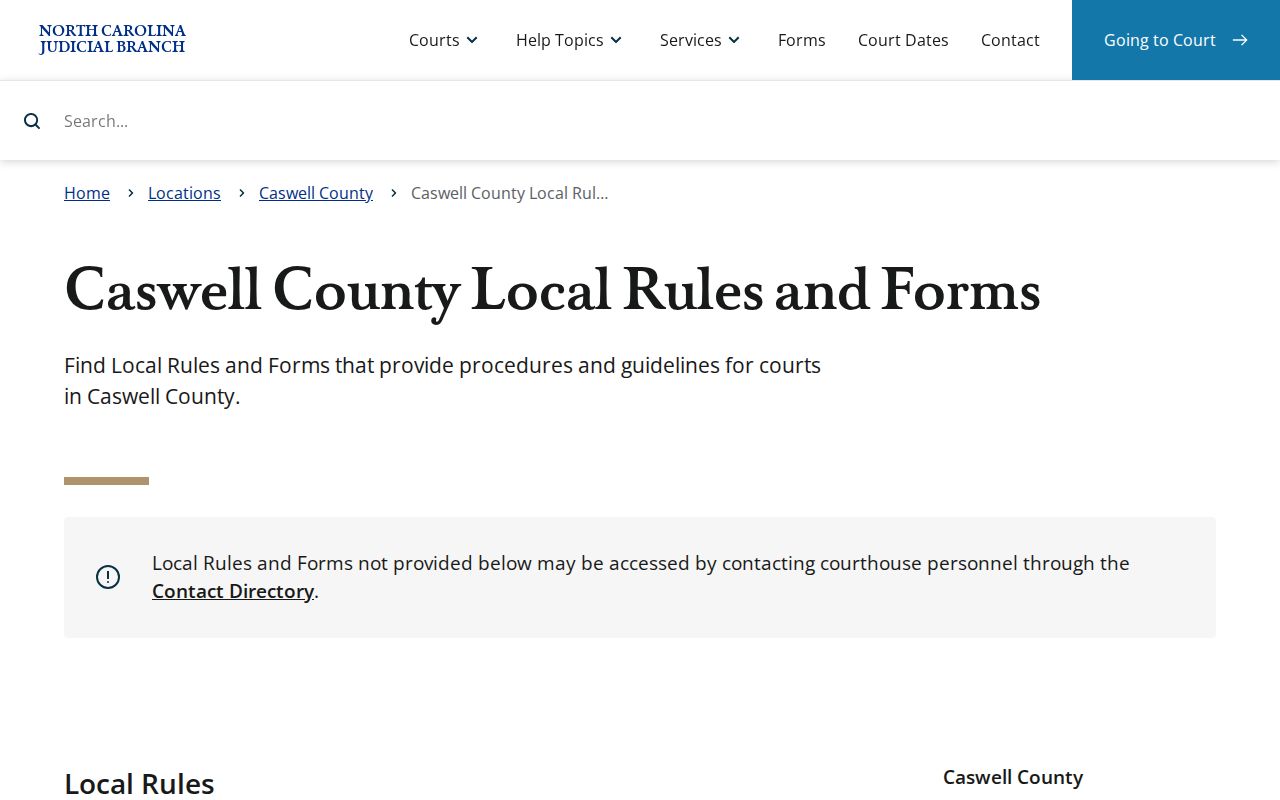
Local listings help with date checking. But when an online entry and the facts in front of you do not line up, courthouse staff remain the confirmation route.
Caswell County Court Calendar Fields
Portal's documented hearing-search walkthrough requires a location and a hearing type. It also requires a search type and a date range. The search value you enter depends on the type you pick. A known case number makes quick work of it. Still, the structure also supports a lookup by courtroom, judicial officer, attorney, or party name alone. Keep the date window tight. That way a broad search does not bury the hearing you need.
- Location
- The Caswell court location selected for the hearing search.
- Hearing type
- The displayed category chosen before the search type.
- Date From and Date To
- The start and end points that limit the returned hearings.
- Case Summary
- Portal's public summary of docket entries based on the clerk's official record.
How to Read a Court Setting
A setting is a scheduled court event, nothing more. Read it as a cluster of fields rather than a bare date. The location and hearing type frame the entry. The case number or matching party tells you which matter it is. Some settings also carry a courtroom or judicial officer. Check those details against the Case Summary. That keeps a similar name or a general calendar listing from being confused with the correct case.
| Date | The scheduled day returned within the selected date range. |
|---|---|
| Location | The Caswell court location selected for the hearing search. |
| Hearing type | The displayed kind of court event used to classify the search. |
| Search match | The case number, party, attorney, judicial officer, or courtroom that matched the search. |
| Case Summary | The related public record where Hearings, events, and dispositions can be reviewed in context. |
Criminal and infraction settings can sit near release questions. The District 22 pretrial-release policy sets out the local rules behind that context.
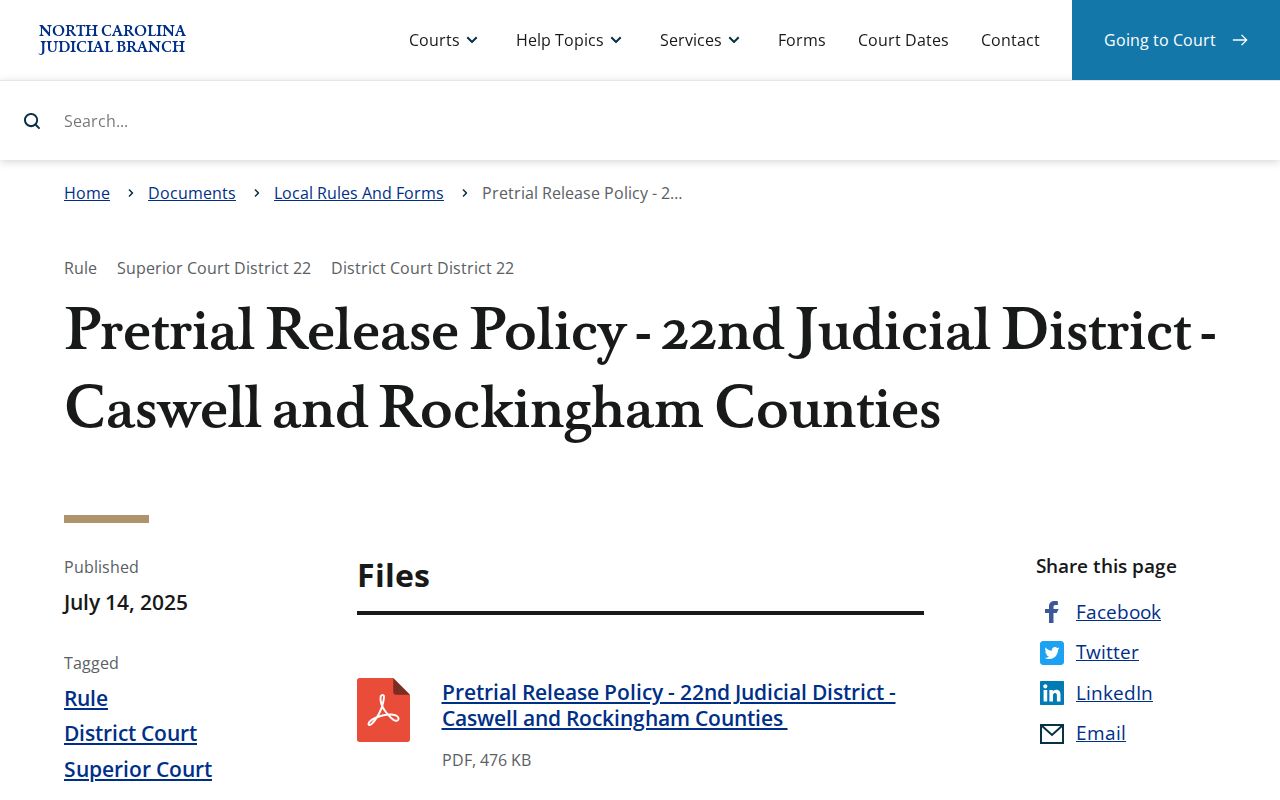
Release-related entries add background to the docket history. They do not convert a court setting into a final disposition.
Caswell County Court Date Crosscheck
Search Hearings and the Case Summary do two different jobs. Search Hearings looks over current Caswell scheduling by field and date range. The Case Summary pulls together the public timeline of a case. That timeline covers hearings where data exists, events, assignment information, and dispositions. So treat the two views as cross-checks for a Caswell County court date, not rivals. When the displays clash, let the clerk settle it. When a date carries real stakes, do the same. A dated image, a printed calendar, or an old search never substitutes for that confirmation call.
Portal is Caswell's public online case channel after the eCourts conversion. It exists for access to public case information, not for filing. Parties and attorneys file through a separate system.
Caswell's two calendar links split by subject. One is civil and one is criminal. Portal Search Hearings, in contrast, takes several search types across current hearing information. A case may also need the assignment details sitting in its Case Summary. Is a Caswell date, division, or case identity still uncertain after those checks? The Caswell Clerk is the next stop.
Continuances, Resets, and Cancellations
A continuance or reset moves a scheduled event to another time. A cancellation can remove or change a setting because of court closure or docket management. Neither word is a disposition. The Case Summary's event and disposition sections tell the story after a setting. They show what actually happened. Caswell's local rules page links continuance and calendar materials. Court staff can confirm whether a time-sensitive setting still stands.
Portal's public record may show an event that follows a prior setting. Yet an older search response can lag behind a later court action. Check the current hearing result first. Then call the Clerk if attendance depends on the answer.
The Judicial Branch's File & Serve training resources draw a line. They separate the e-filing system from public lookup tools.
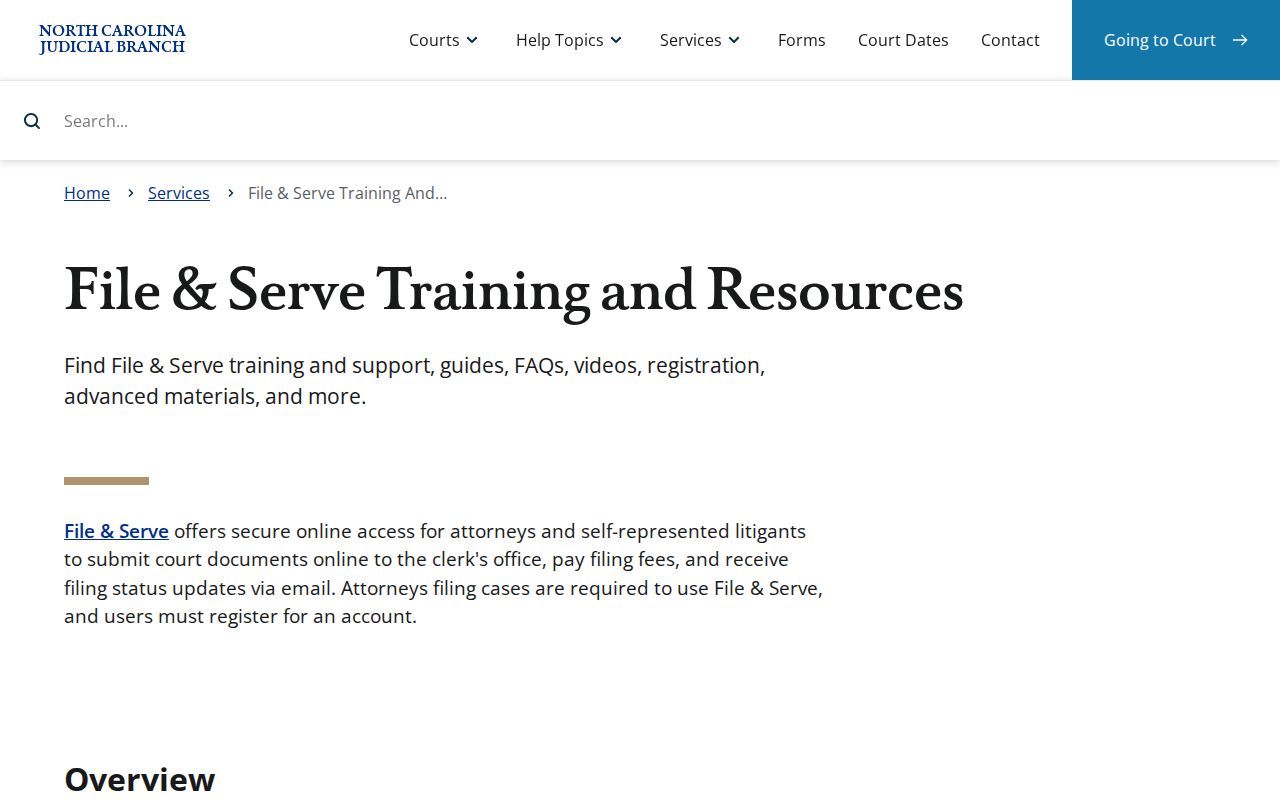
Filing activity goes into the court record. Portal Search Hearings stays the public route for locating a scheduled hearing.
Caswell County Court Date Confirmations
Start with the Clerk when a Caswell date question survives Portal and the calendars. Have the case number ready. Bring whatever setting information you already found. The court office lines can route a division-specific question. Superior Court is 336-459-4016. District Court is 336-459-4012. The Caswell County Courthouse houses the clerk and both trial divisions. Even so, knowing the right division matters before you dial.
The official North Carolina File & Serve landing page identifies the separate electronic-filing service.
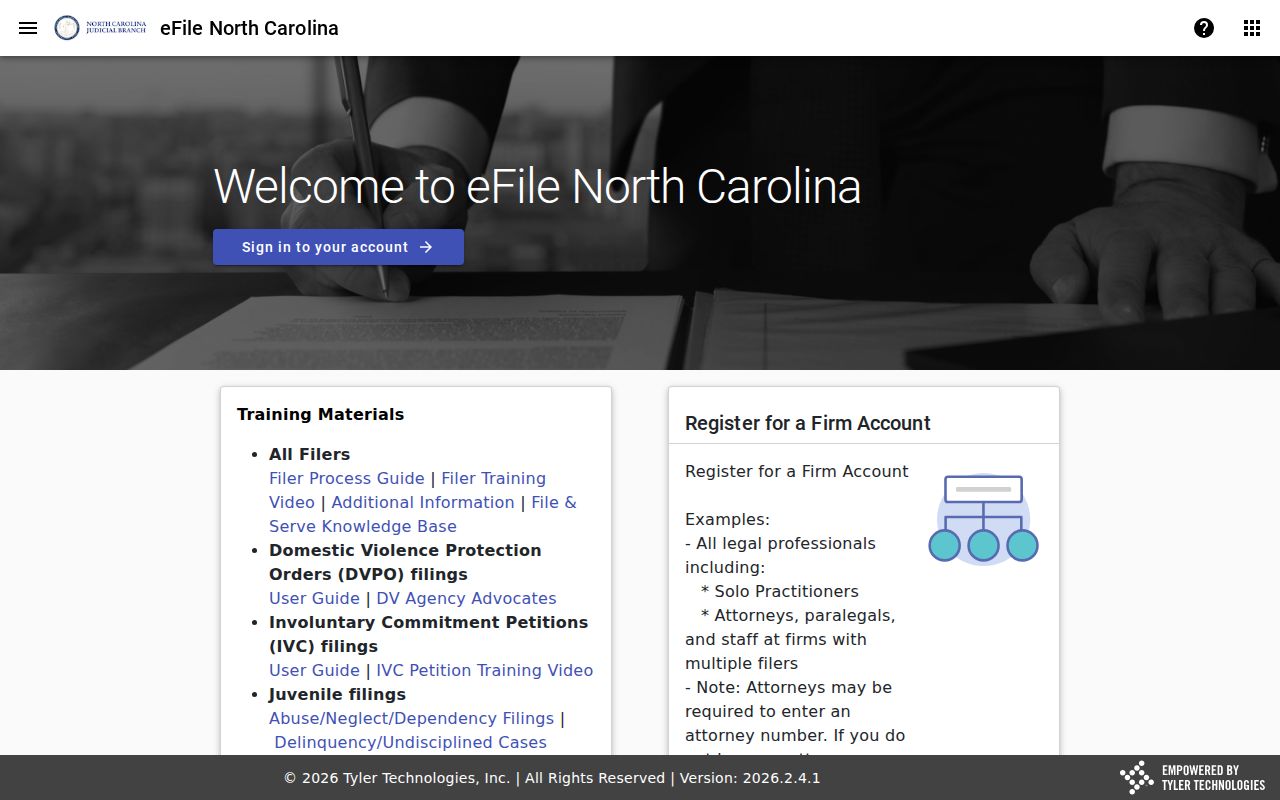
File & Serve is that separate electronic-filing service. So a filing account is not a public hearing lookup or a clerk confirmation.
If You Miss a Court Setting
Missed a Caswell court setting? Act promptly. Check Portal Search Hearings and the Case Summary for the current public information, then contact the Caswell Clerk or the right court office. Anyone with counsel should also call that attorney. The next step turns on the case and the court's own action, so a generic calendar result cannot say how a missed appearance will be handled.
Missed a setting? In a criminal or infraction matter, a missed date can lead to a failure-to-appear consequence or another court response.
Contact the Clerk or the appropriate court office promptly to confirm the current record and whether a new setting has been entered.
For legal advice about a missed Caswell County setting, consult a licensed attorney.
Caswell County Court Date Migration
Caswell entered eCourts Track 9 on July 21, 2025. That brought Enterprise Justice, Portal, and File & Serve live. Legacy applications turned inquiry-only during the transition. They were then decommissioned for Track 9 inquiry and updates. The Judicial Branch offered one caution. Caswell records received around the release might need scanning and indexing before appearing in Caswell Portal. That warning described the conversion period. It does not mean a current Caswell search result is wrong. For a contemporary date question, use the current Portal channel and the Caswell Clerk.
The Judicial Branch's Track 9 transition notice documents the rollout timing and the indexing caution.
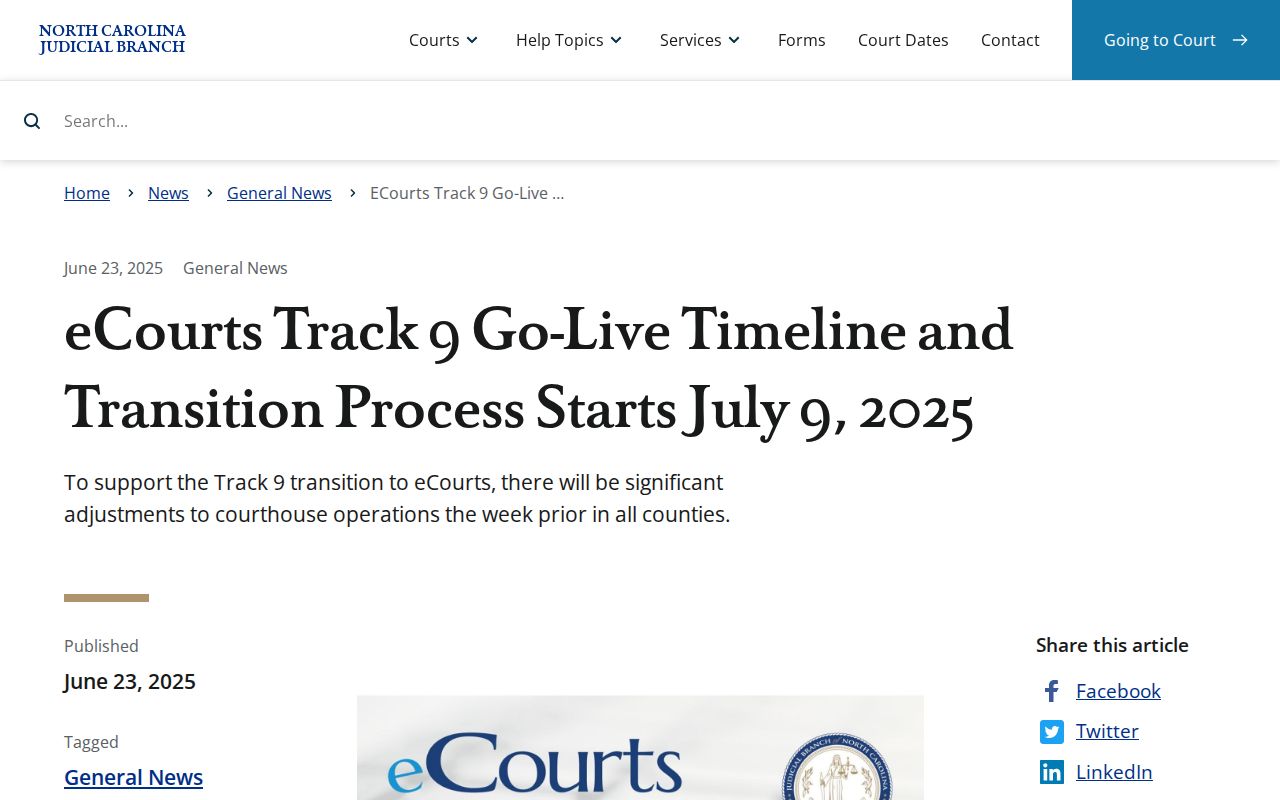
For a current Caswell court date, Portal Search Hearings and direct clerk confirmation are the reliable channels. A legacy-system search is not. Caswell calendar work belongs in the current Portal system.